1
Navigate to Organization Settings
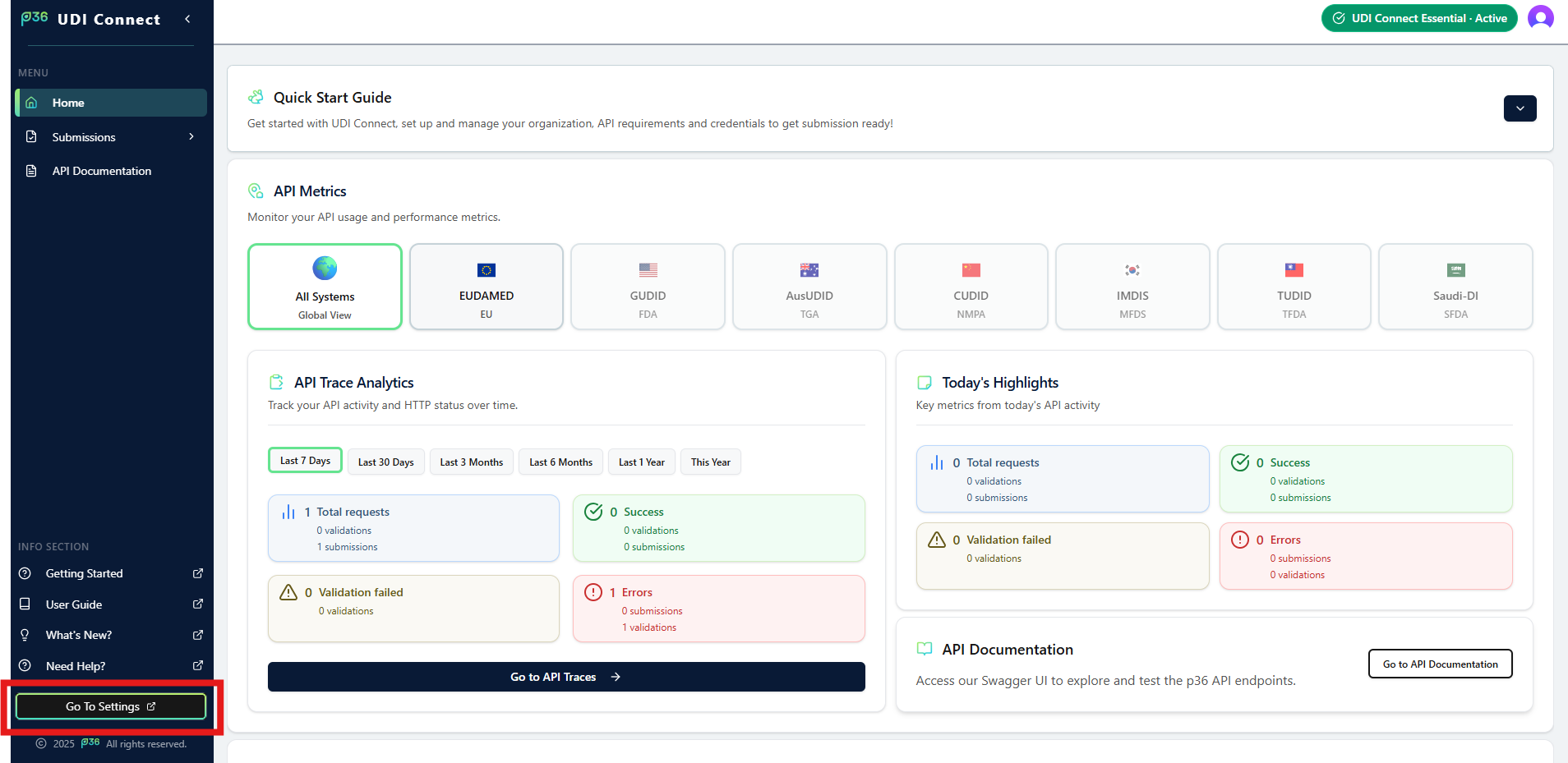
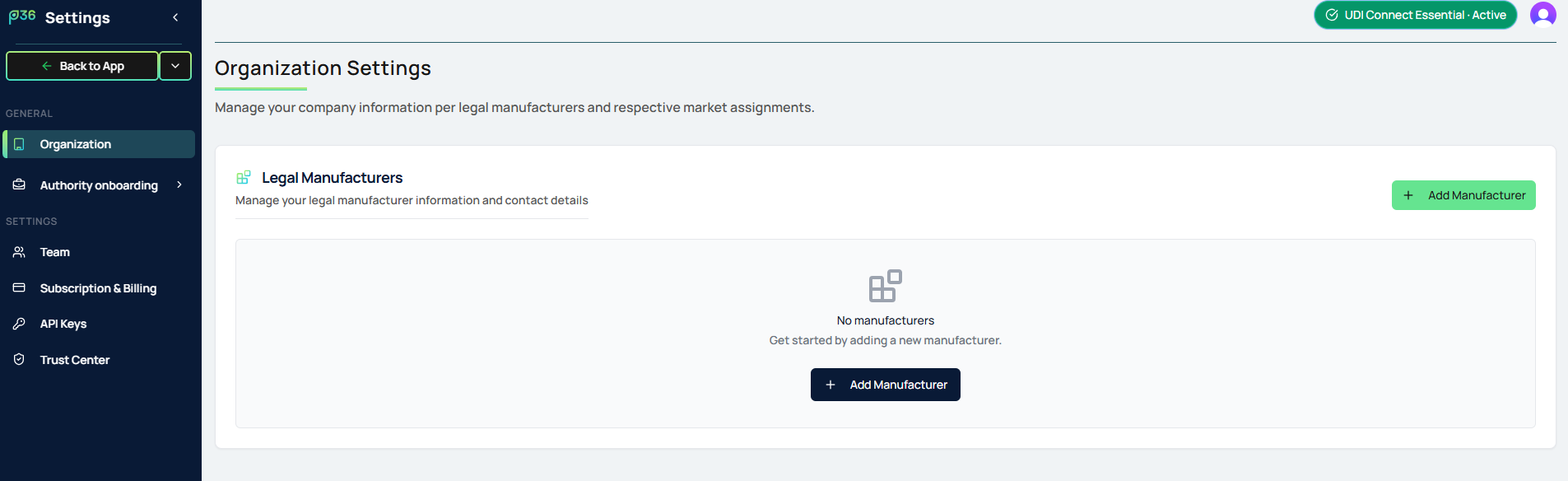
- In the sidebar, go to Settings and select Organization.
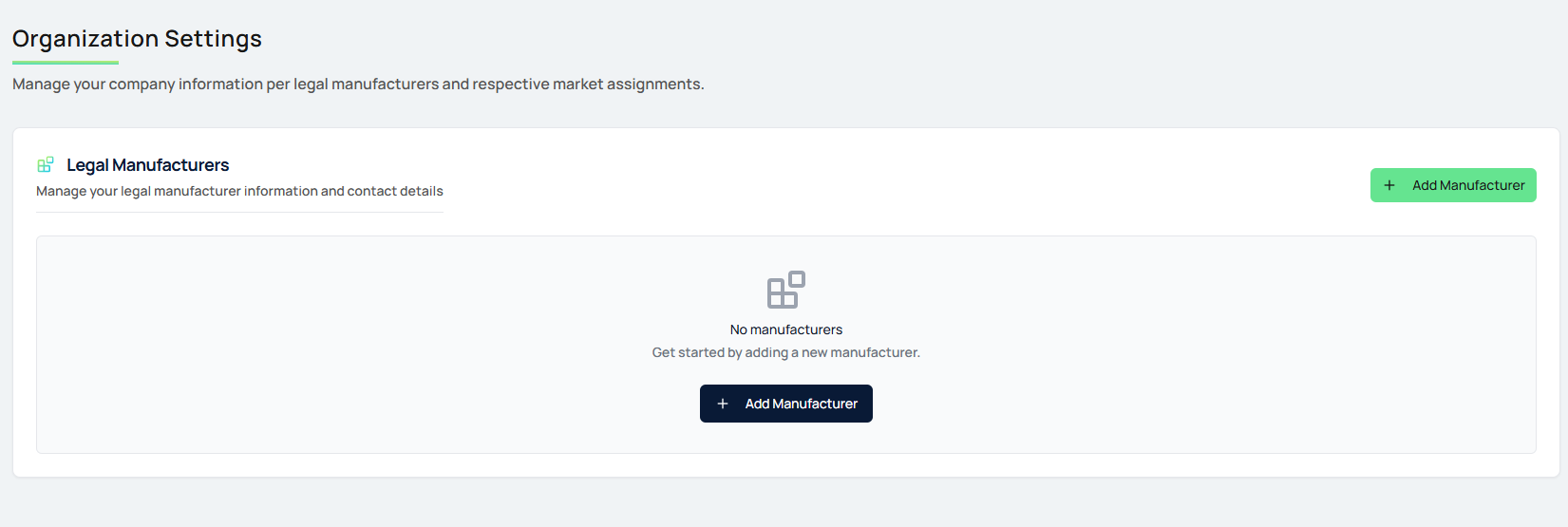
- Here you can view and manage all legal manufacturers and their market assignments.
2
Add a Legal Manufacturer
- Click the Add Manufacturer button.
- A popup will appear where you can enter the details of the legal manufacturer.
- After entering all required details, click Add Manufacturer to save.
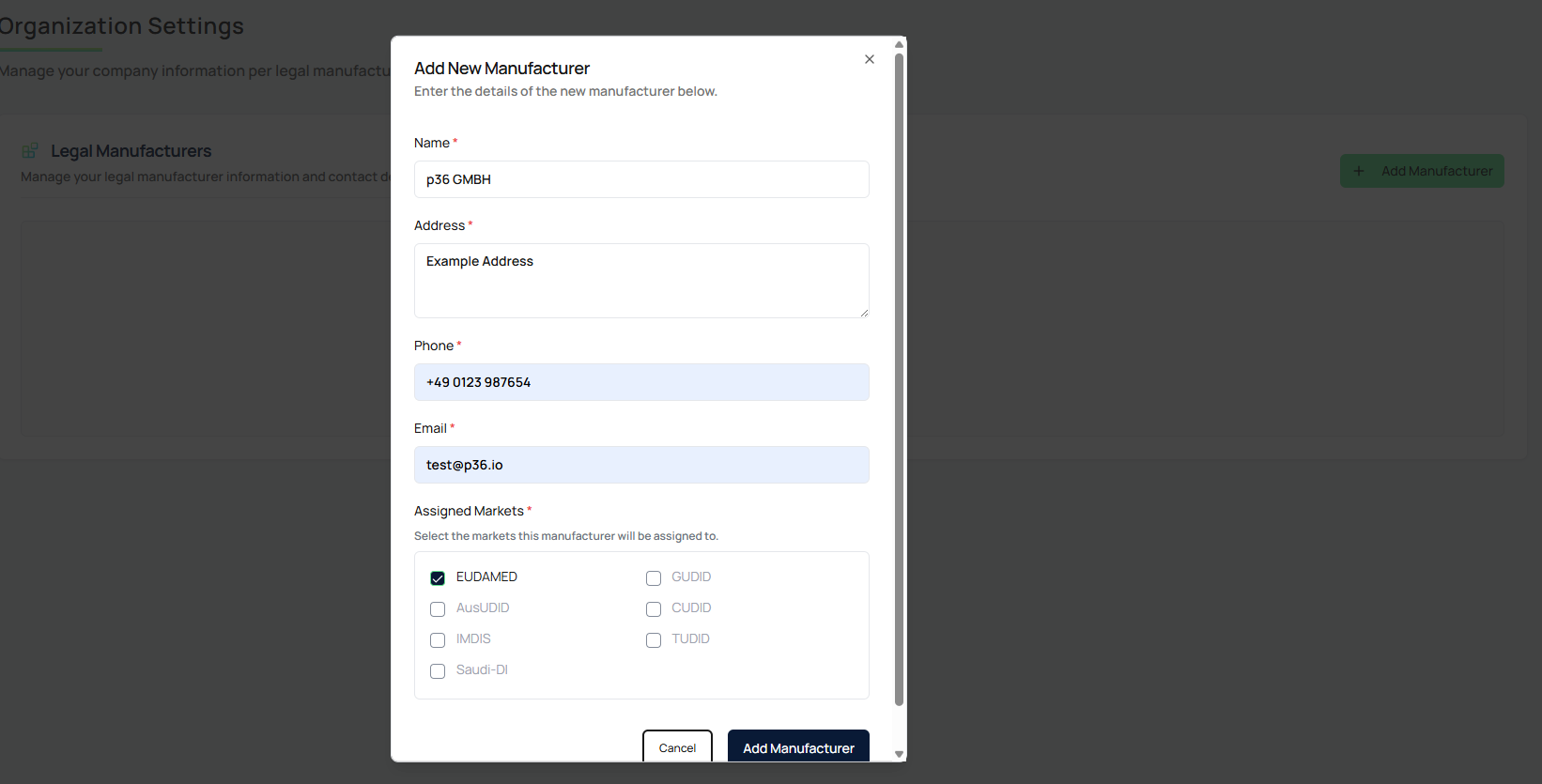
Explanation:
In the “Assigned Markets” section, specify which manufacturer is responsible for which authority.
Currently, this is only relevant for EUDAMED. As additional markets are added in the future, this overview will help you easily see which manufacturer is assigned to each market.
This feature is especially useful if you centrally manage registrations through this solution.
3
View and Maintain Manufacturers
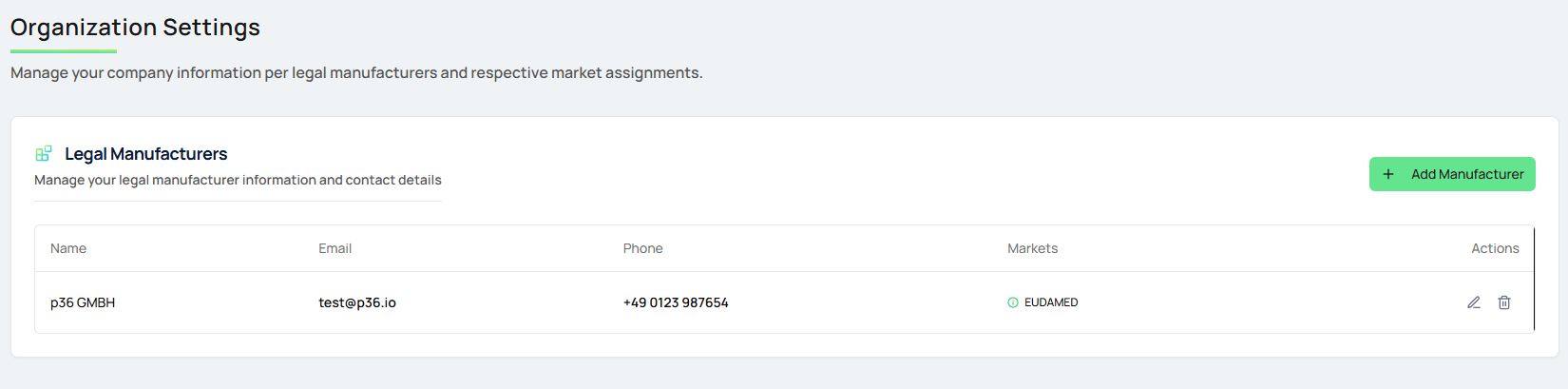
- The table now lists the created manufacturer.
- Add further, if you manage more manufacturers centrally.
- On the right side, you can edit the details or delete an entry as needed.