

1
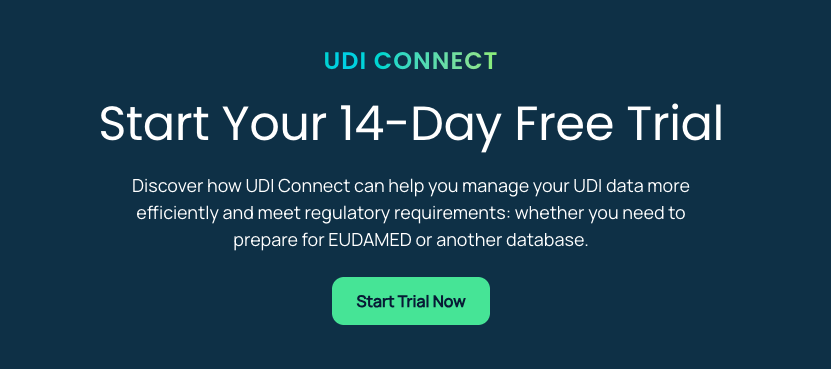
Click 'Get Started' on the Website
- Go to the website www.udihub.io.
- On the homepage, there are several options to begin your free trial. Click on Start Trial Now or Get Started to begin.
2
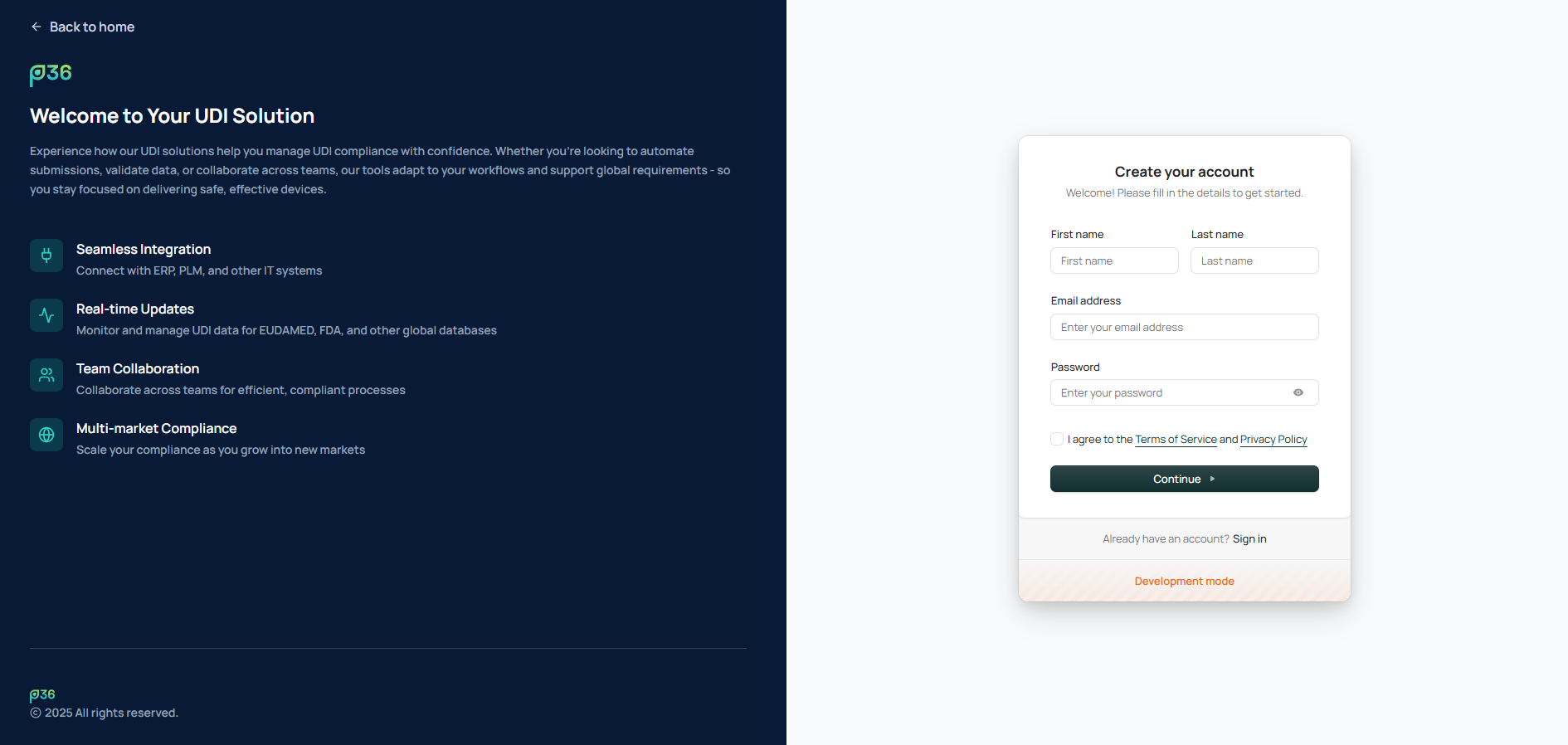
Create Your Account
- You will be redirected to the UDI Solution sign-up page.
- Enter the required details:
- First Name
- Last Name
- Email Address
- Password
- Accept the Terms of Service and Privacy Policy, then click Continue.
3
Verify Your Email
- You will receive a verification code via email.
- Enter the code in the verification field and click Continue to proceed.
4
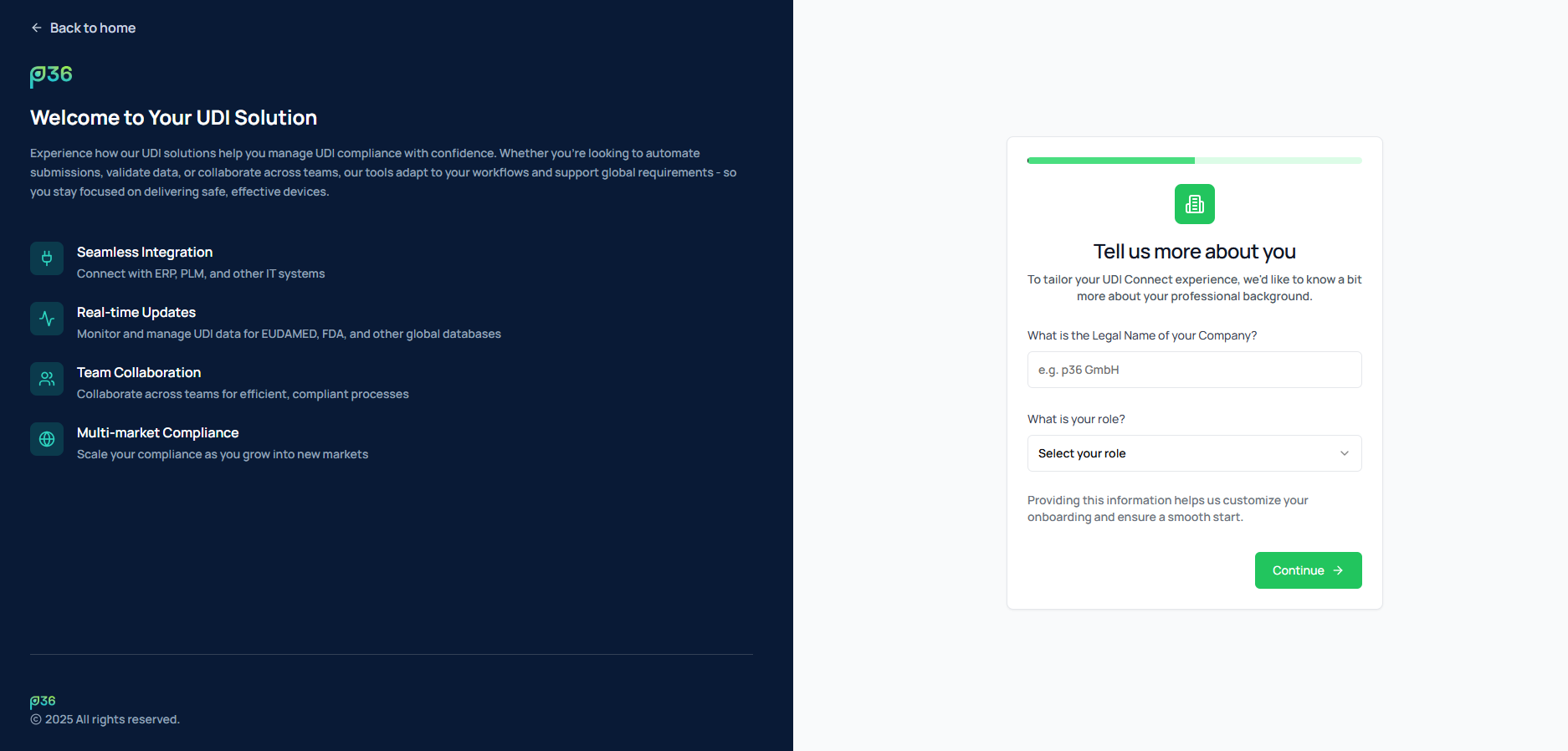
Enter Company Information
- Provide the Legal Company Name.
- Select your Role (e.g., Quality Manager, Regulatory Specialist, IT Admin …).
- Click Continue to move to the next setup step.
5
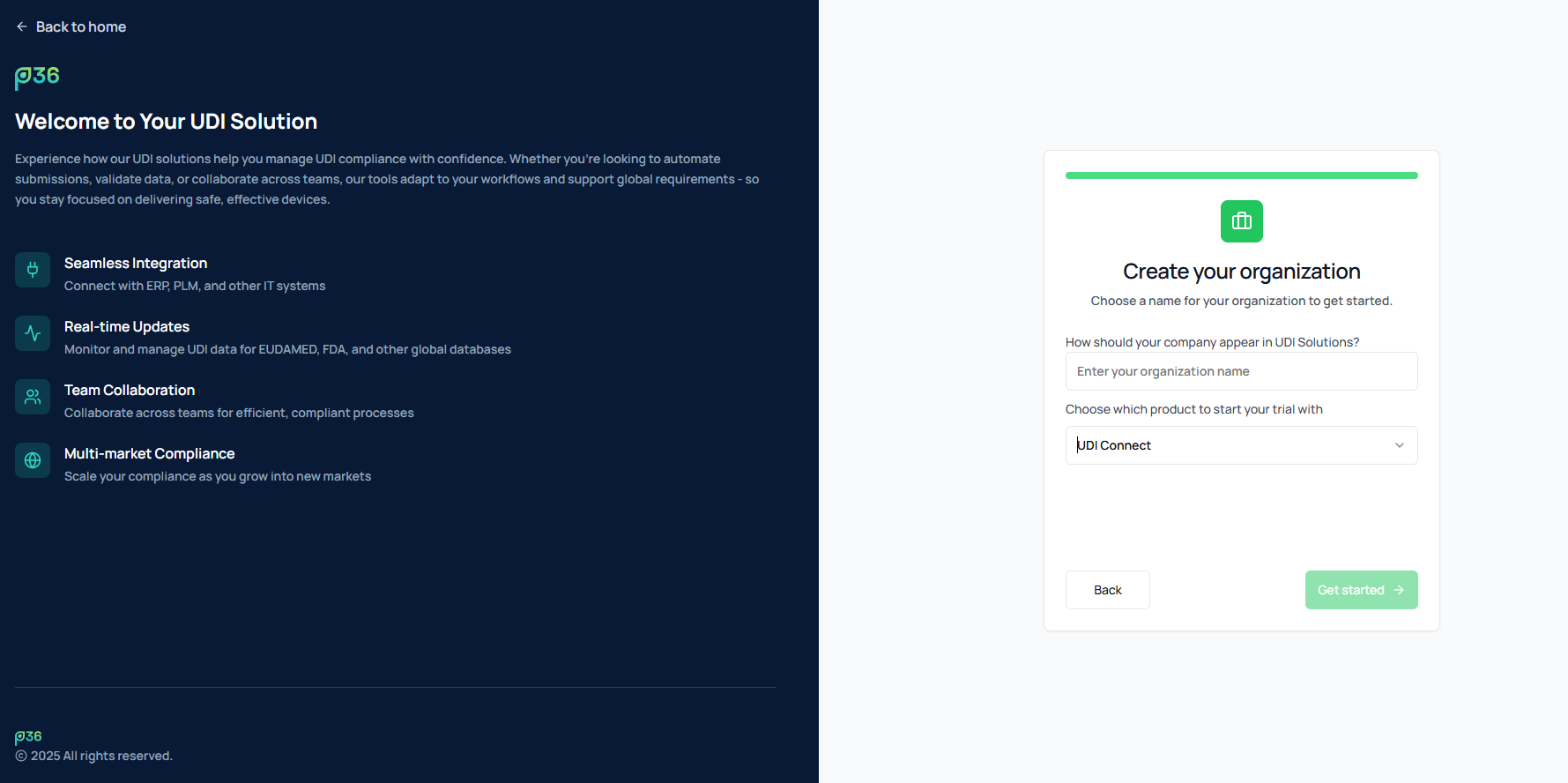
Add Your Organization and Product Selection
- Enter your Organization Name — this name will be used within the solution.
- The Product is preselected based on where you started the trial (e.g., UDI Connect).
- Optionally, you can switch to another product using the dropdown menu.
- Click Get started to continue.
6
Initialization and Provisioning
- Wait for the initialization process to finish.
- The system automatically provisions your company, organization, and account in the background.
7
Access Your UDI Connect Environment
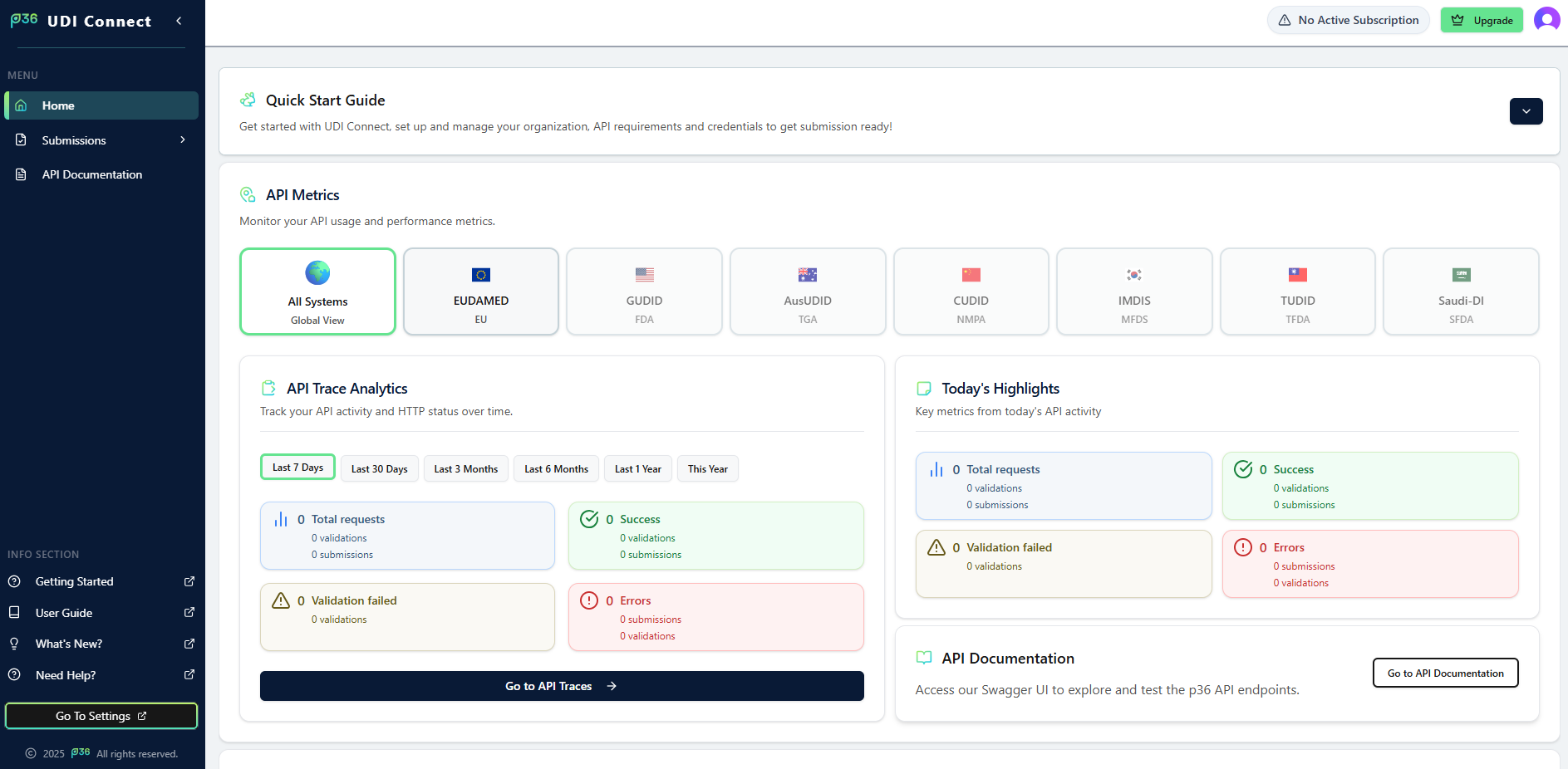
- After provisioning, you will be automatically redirected to your UDI Connect dashboard of the Production Environment.
- You can start exploring the system, access the Quick Start Guide, or configure your settings.
Tip
You can use your free trial for 14 days. Start by exploring the Quick Start Guide and configuring your company and organization settings within UDI Connect.