1
Click 'Get Started' on the Website
- Go to the website www.udihub.io.
- On the website there are several places to start your 14 days free trial. Click on Start Trial Now or Get Started.

2
Go to Sign Up
- You will be redirected to the login page.
- If you do not have an account, click Don’t have an account? Sign up.
3
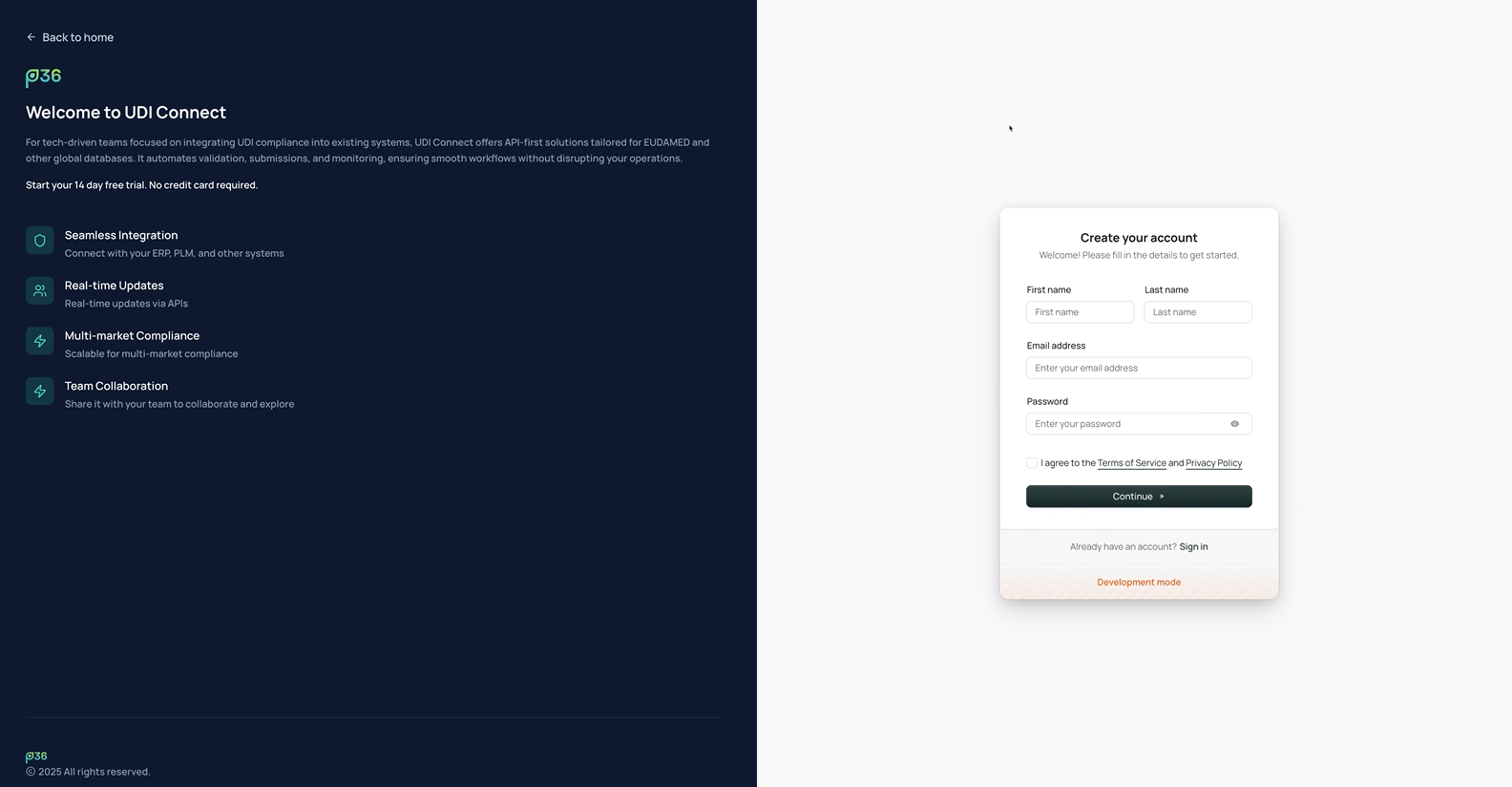
Enter Personal Details & Accept Terms
- Fill in your first name, last name, email address, and password.
- Agree to the Terms of Service and Privacy Policy by checking the box.
- Click Continue.
4
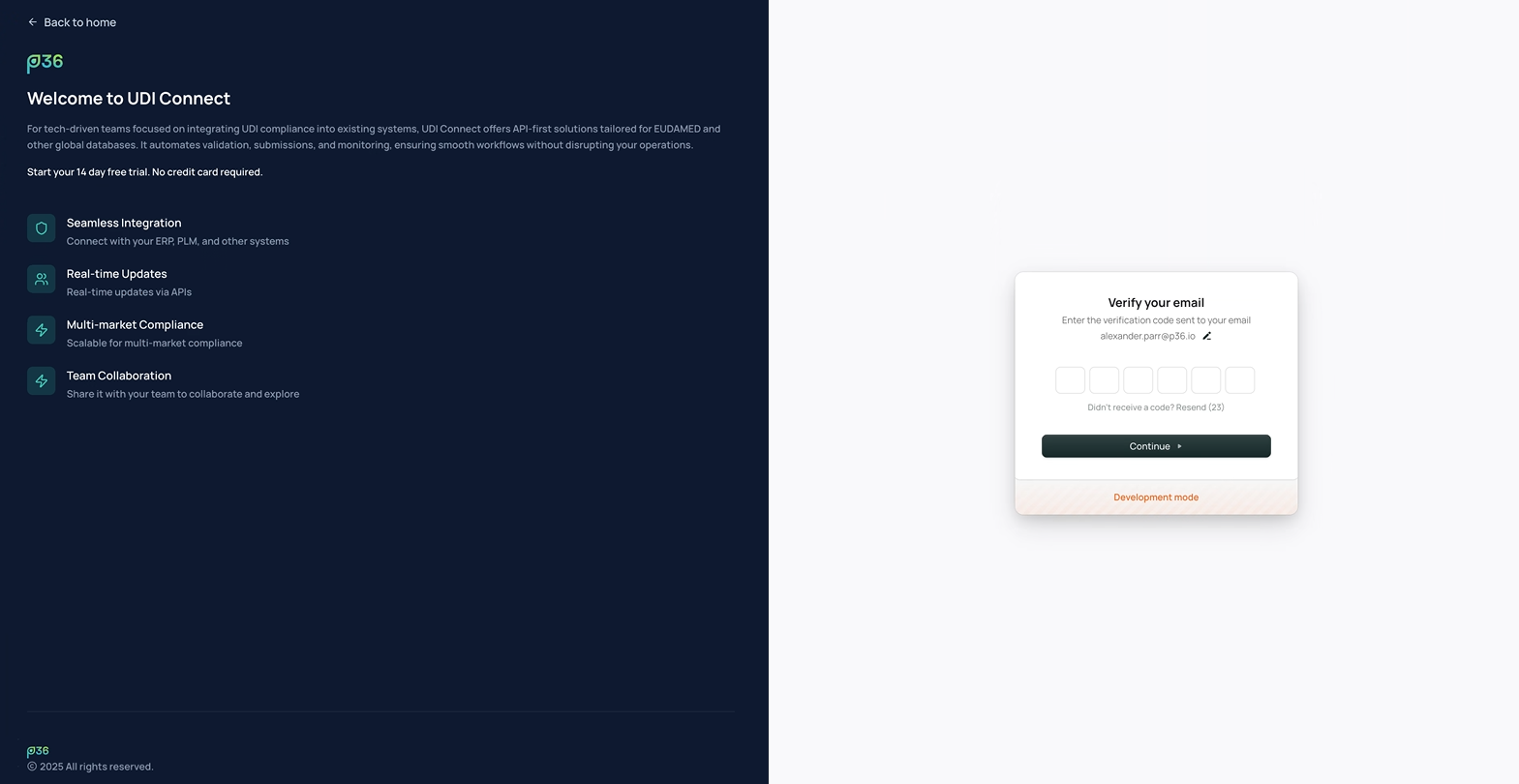
Verify Your Email
- Check your email inbox for a verification code.
- Enter the code in the verification field.
- Click Continue.
5
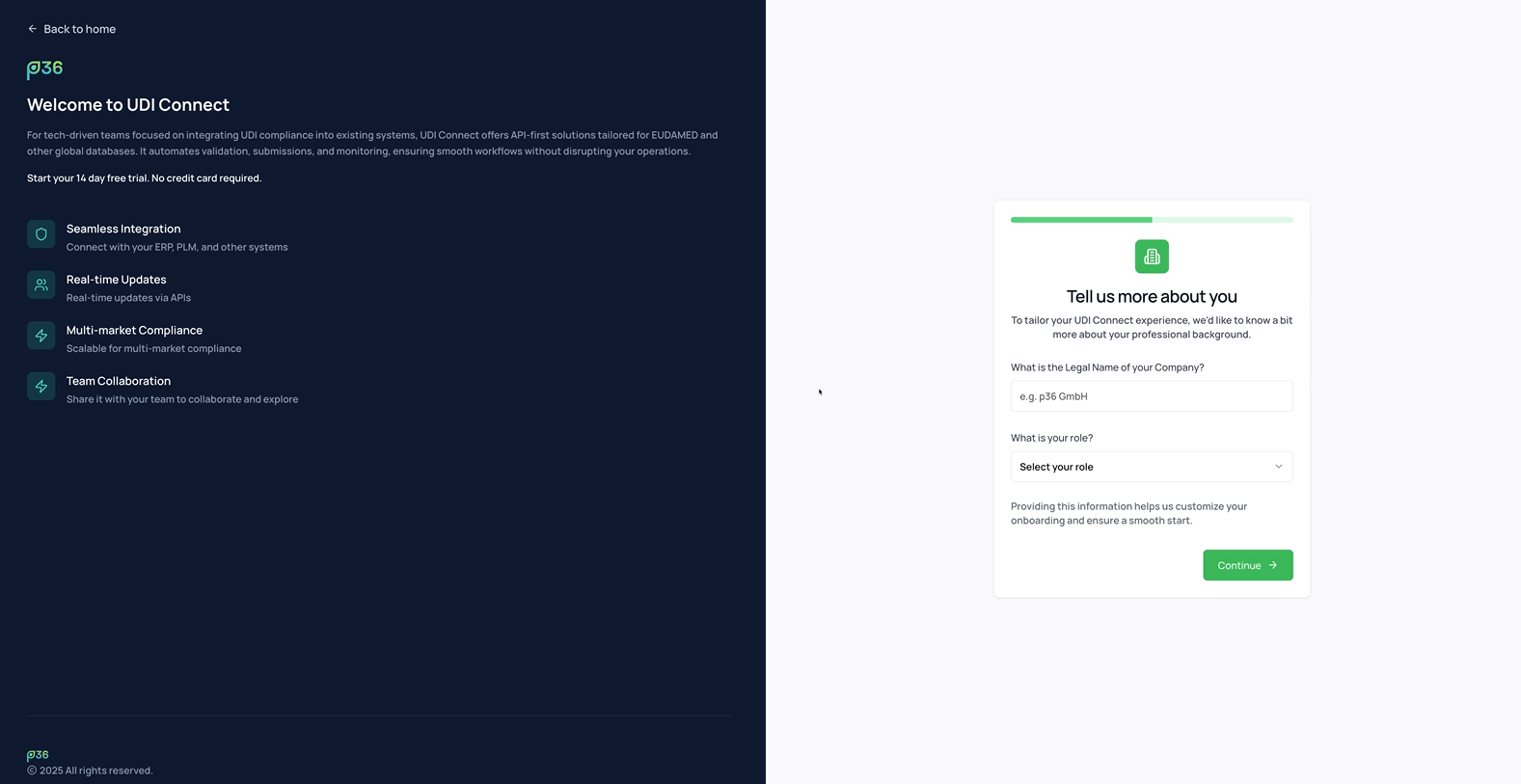
Create Your Company
- Enter your legal company name. This will be used as your global company account.
- Click Continue.
6
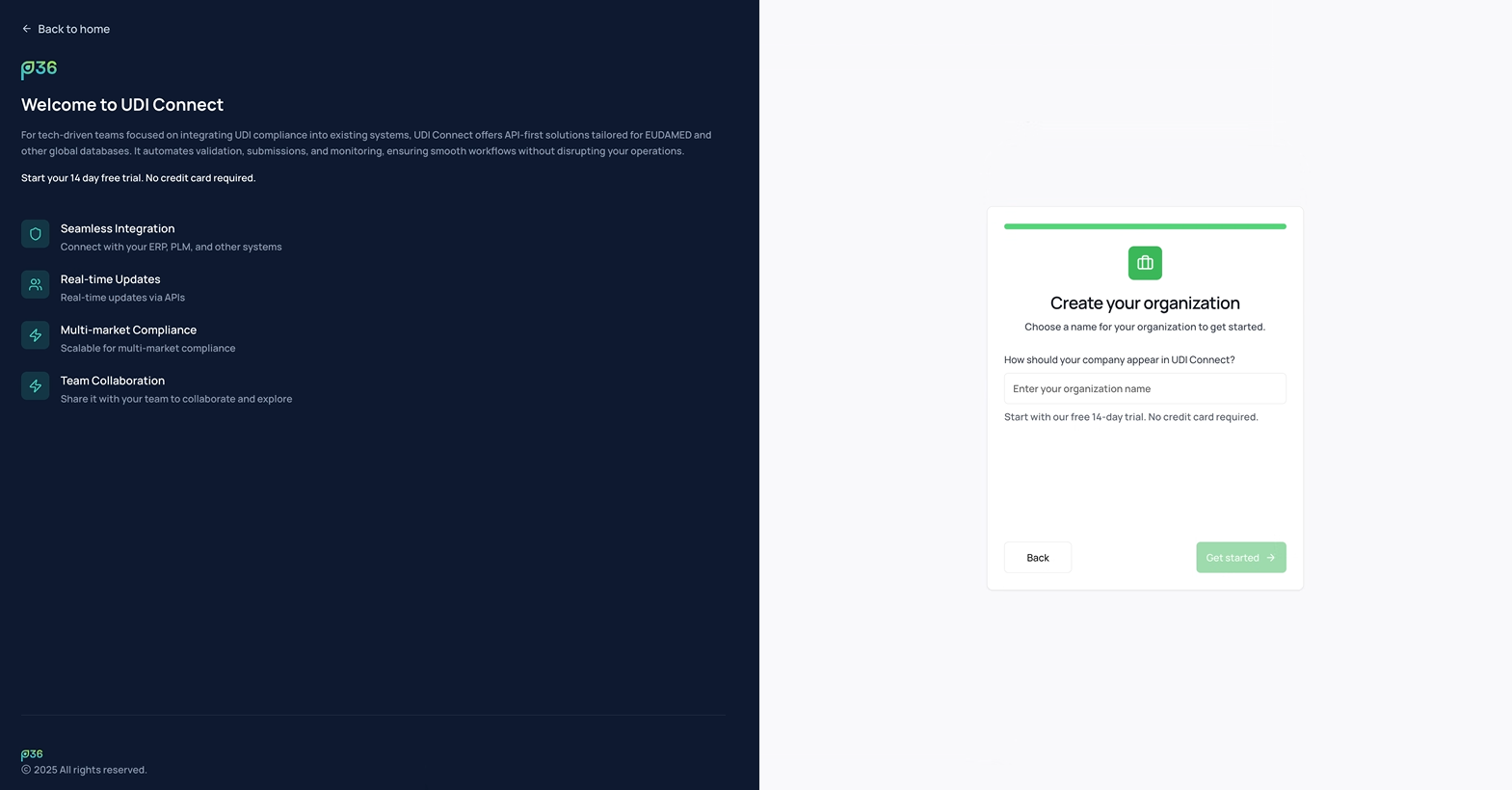
Create Your Organization
- Enter a name for your organization. This will identify your organization within your company (this might be relevant if you share different organizations within the same company).
- Click Get started.
7
Initialization & Provisioning
- Wait for the initialization process to complete. This may take a few minutes.
- The system will automatically provision your company, organization and account in the background.
8
Continue with Next Steps
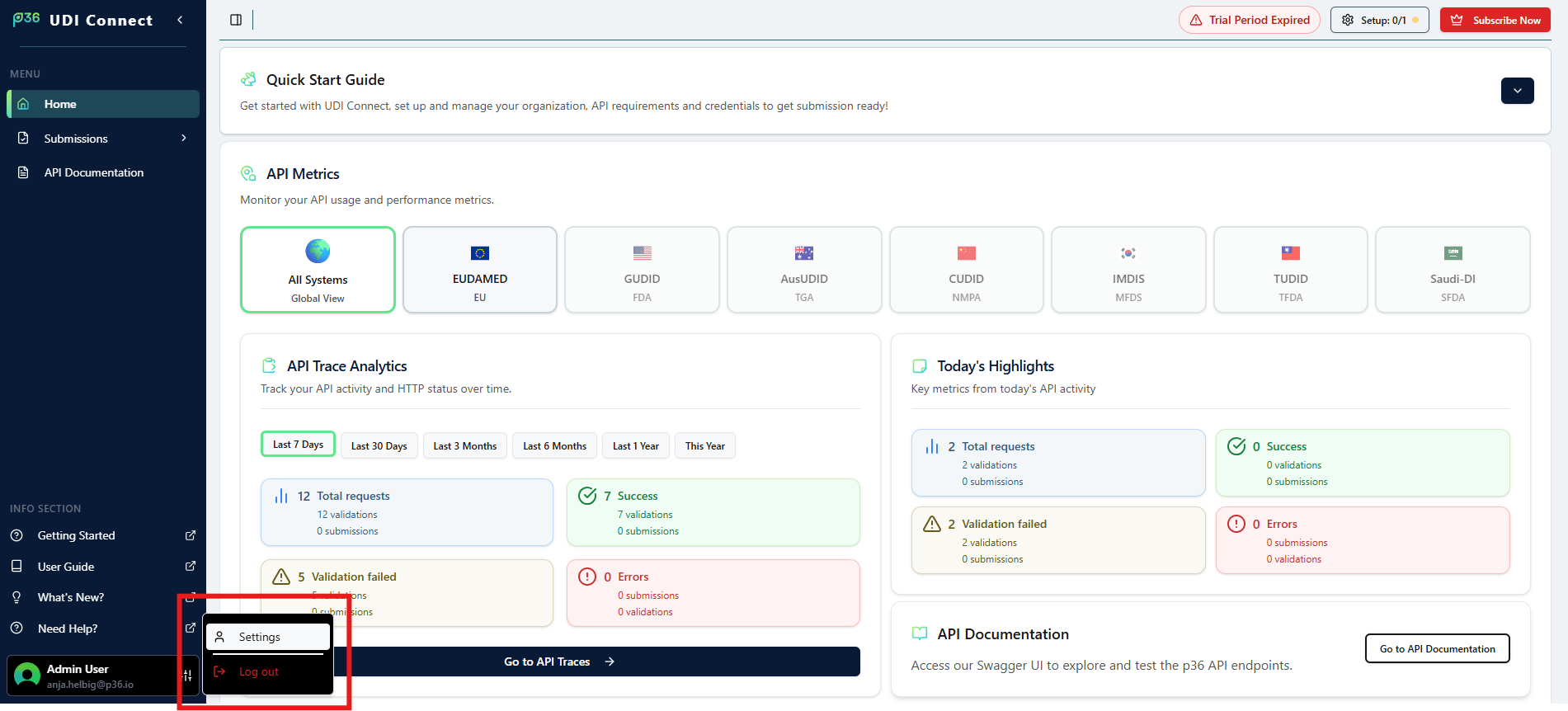
- You will be directed to the home side of the application.
- Continue with the next steps in the Quick Start Guide.
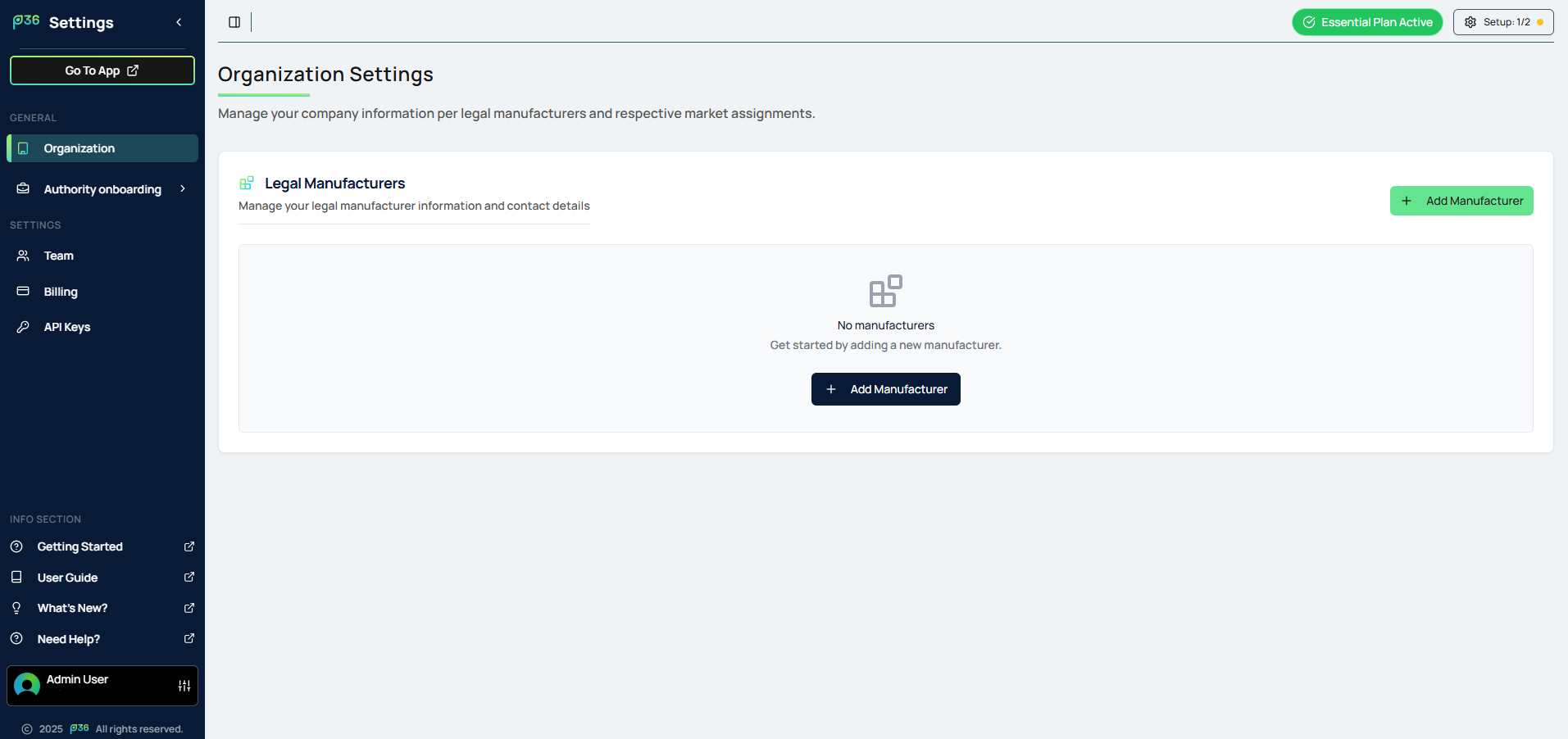
- For some of them you need to go to the settings section.